




What Is Sprunki?
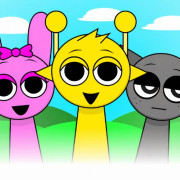
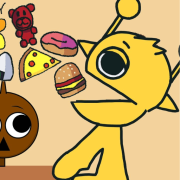
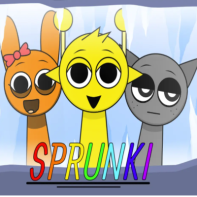
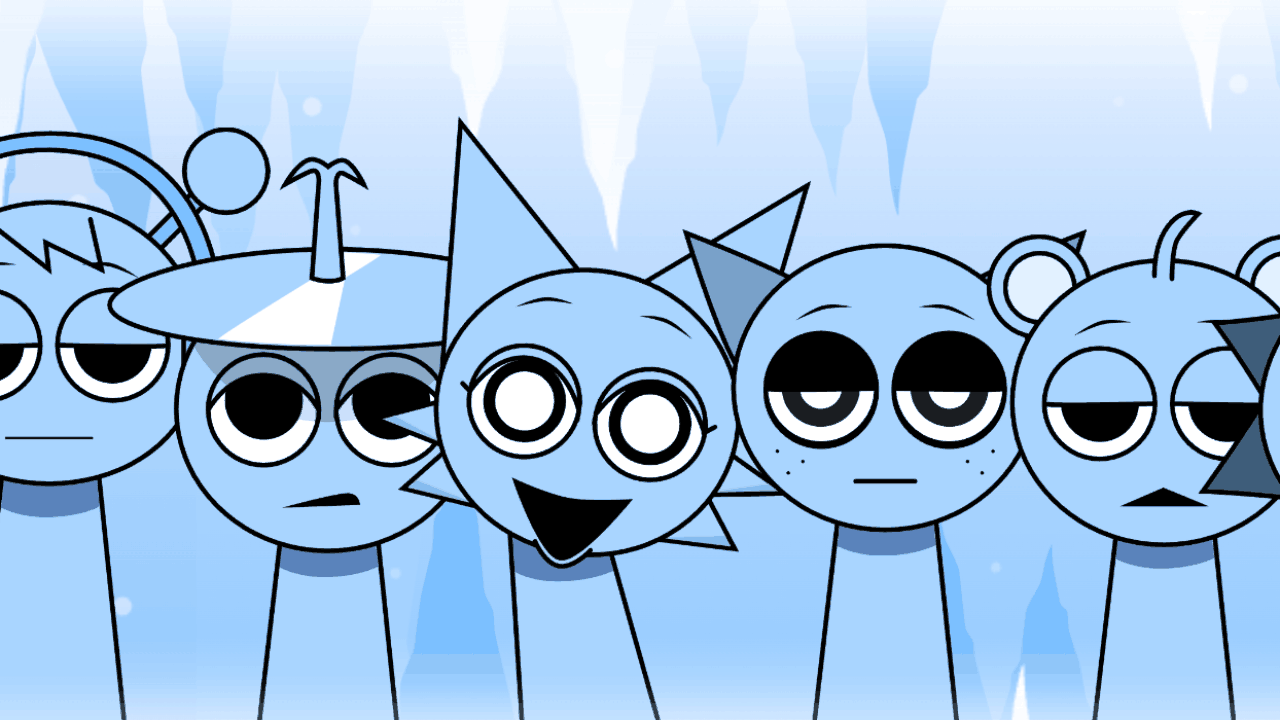
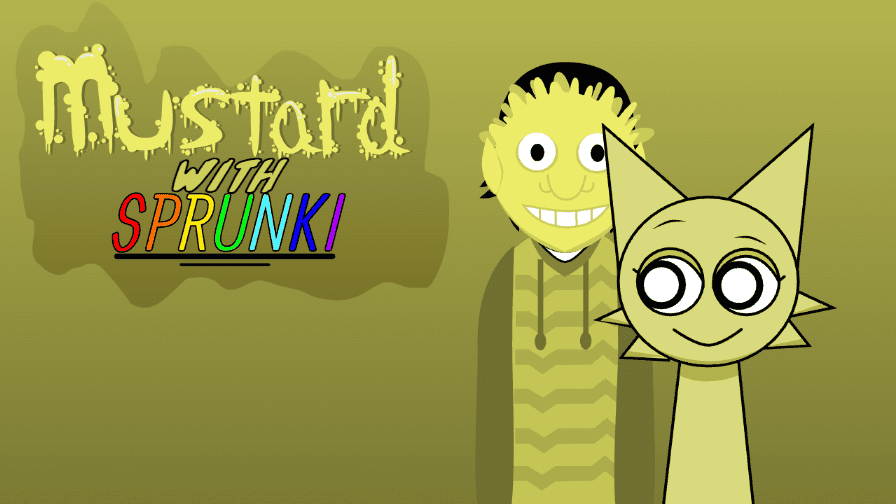
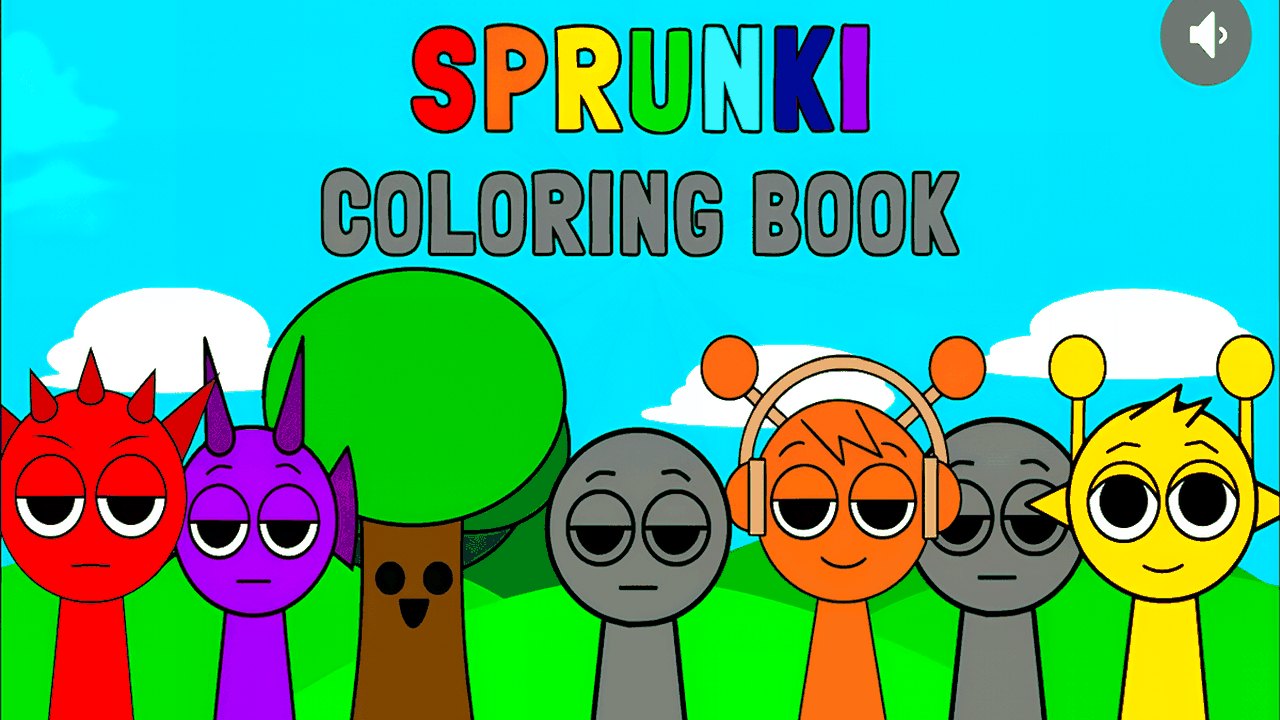
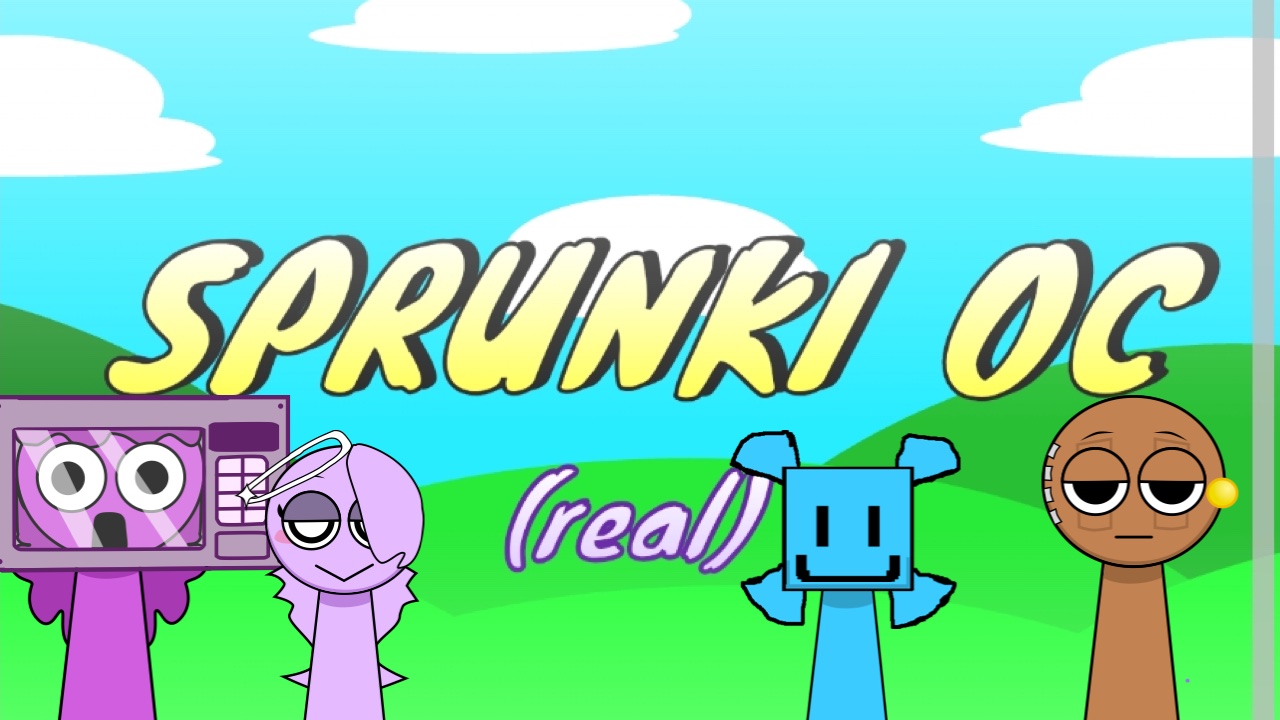
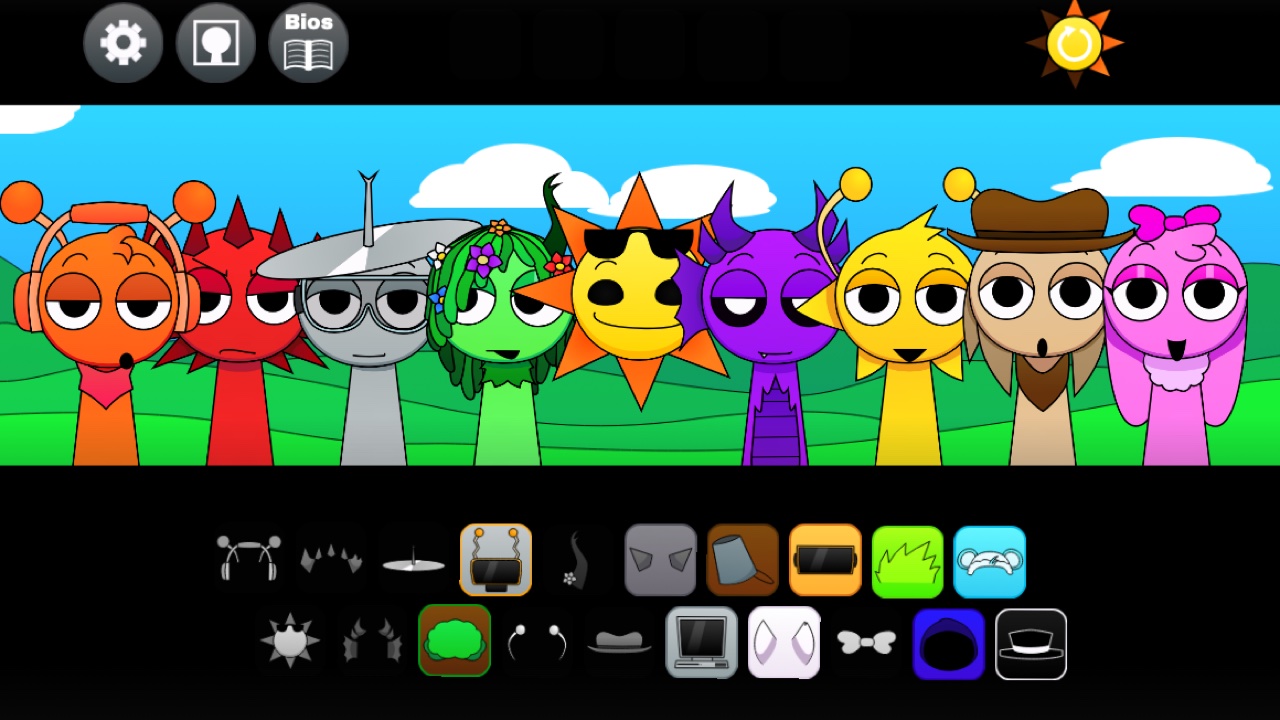
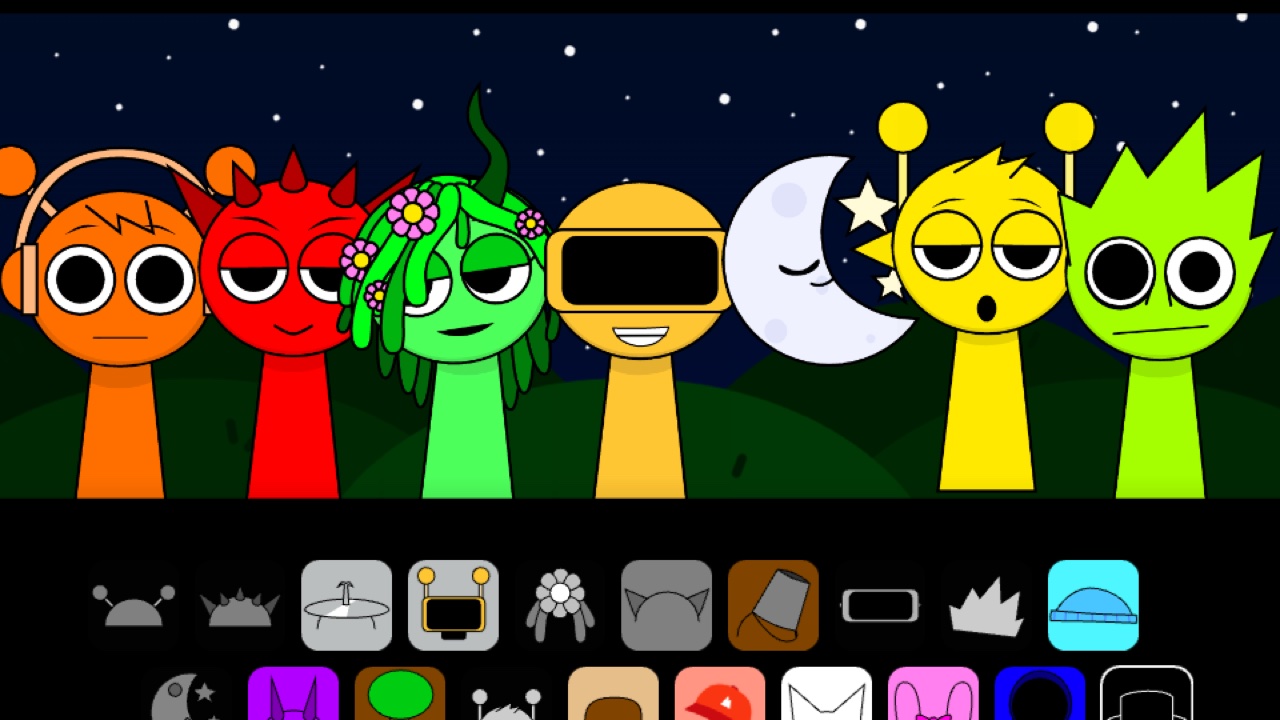
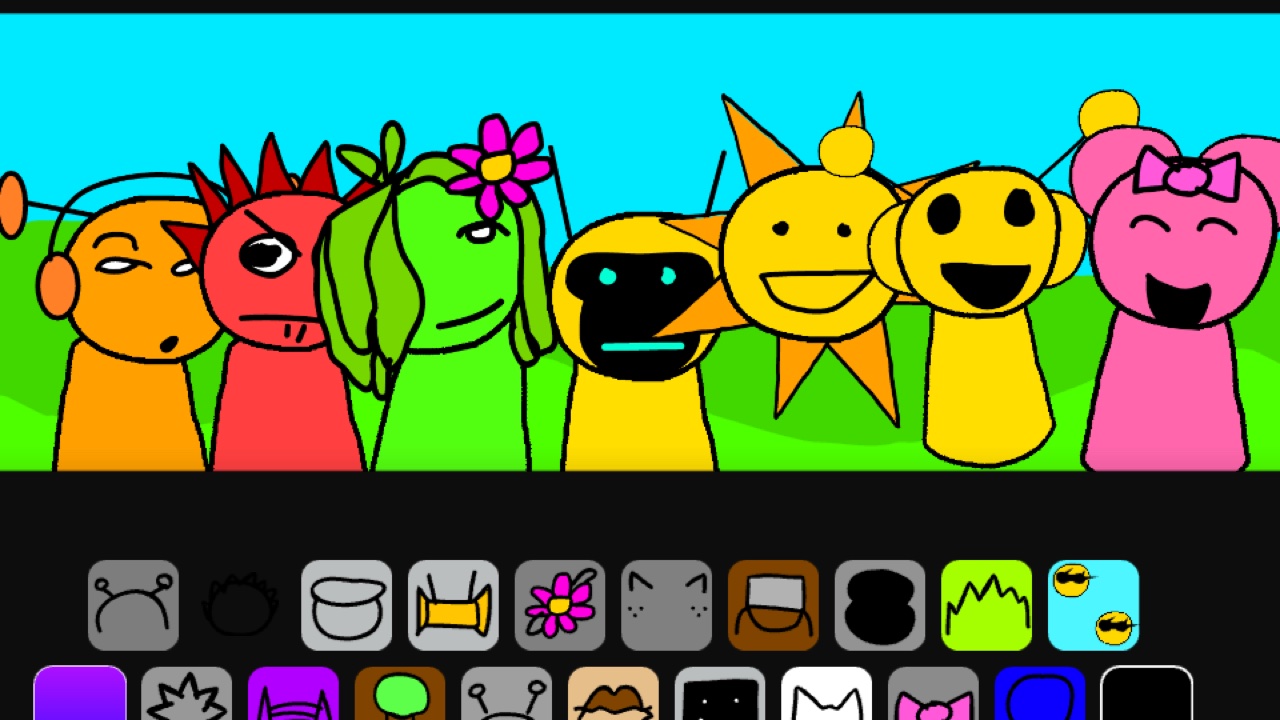
Sprunki is a fan-made music game with a deceptively small design. There is a stage with a handful of empty slots, a tray of round, wide-eyed characters, and nothing else. Each character owns exactly one layer of a track: one loops a kick-and-snare pattern, one hums a bassline, one adds a shaker, one delivers a beatboxed vocal hook. Drag a character into a slot and its layer joins the mix on the next bar. Drag in a second and the two lock together perfectly. Nothing you build can ever be out of time, which is the trick at the heart of the whole thing — the game removes the one part of making music that punishes beginners, and leaves only the part that feels good.
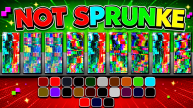
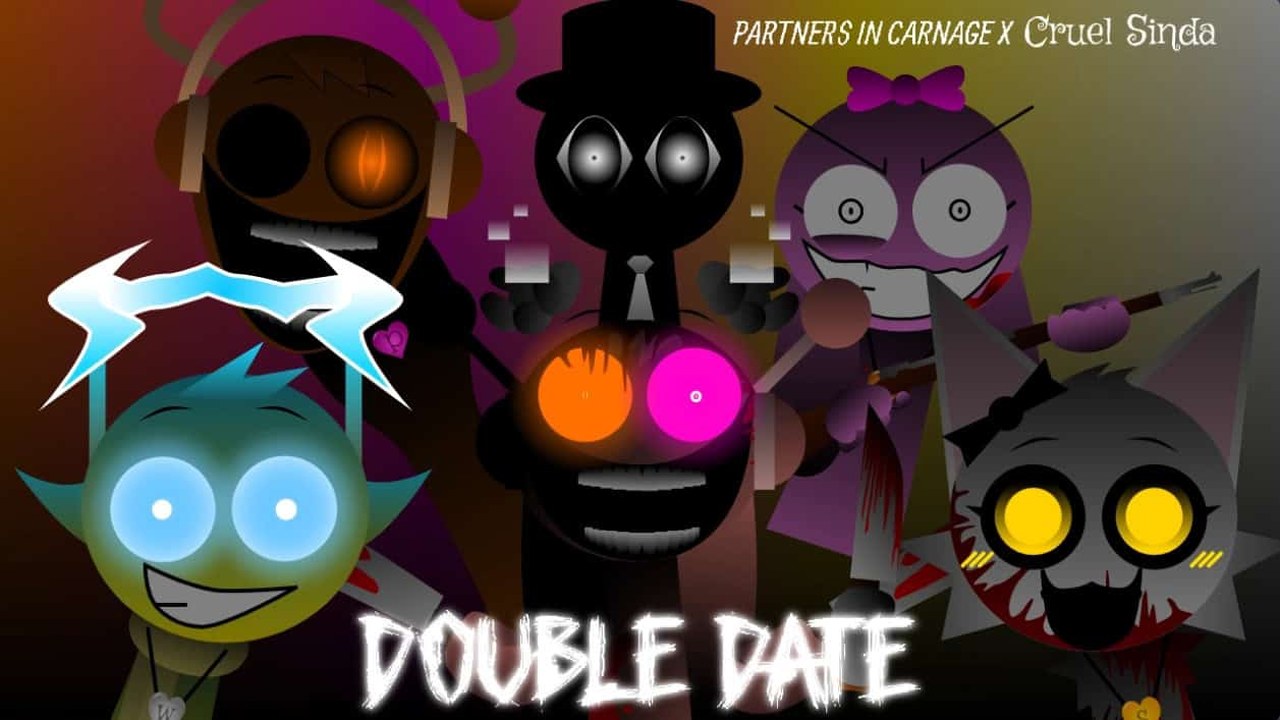
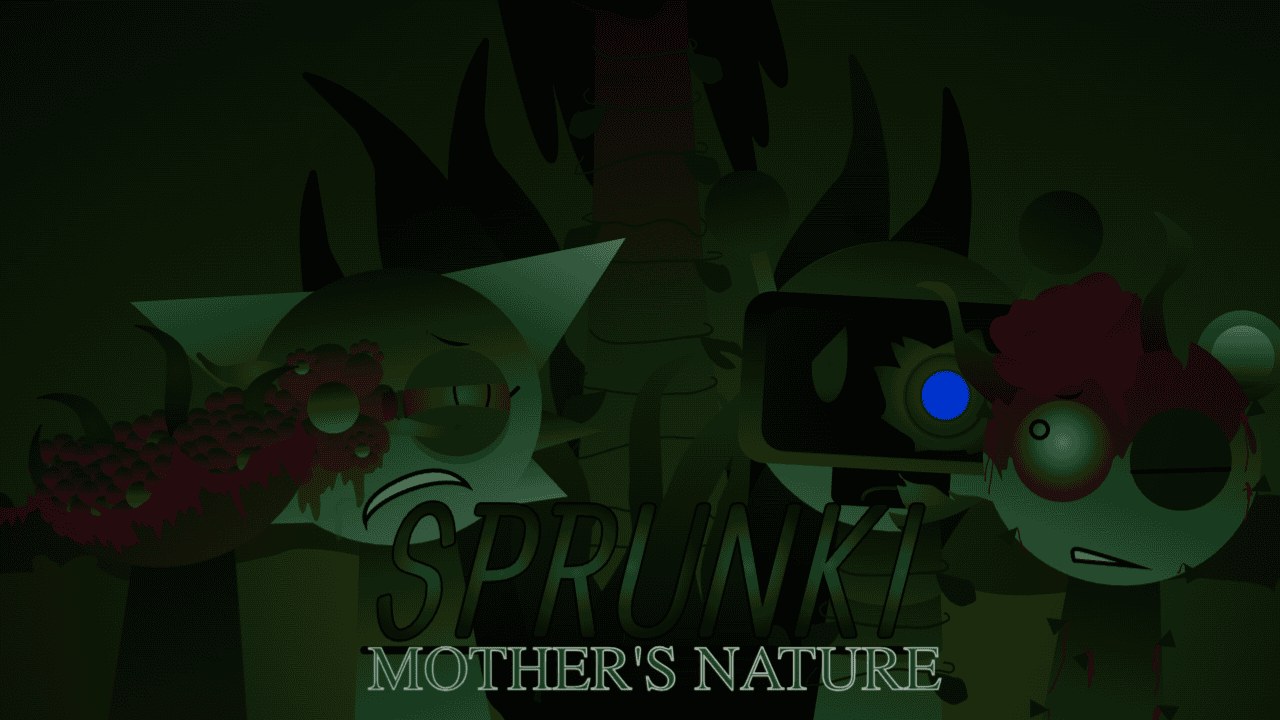
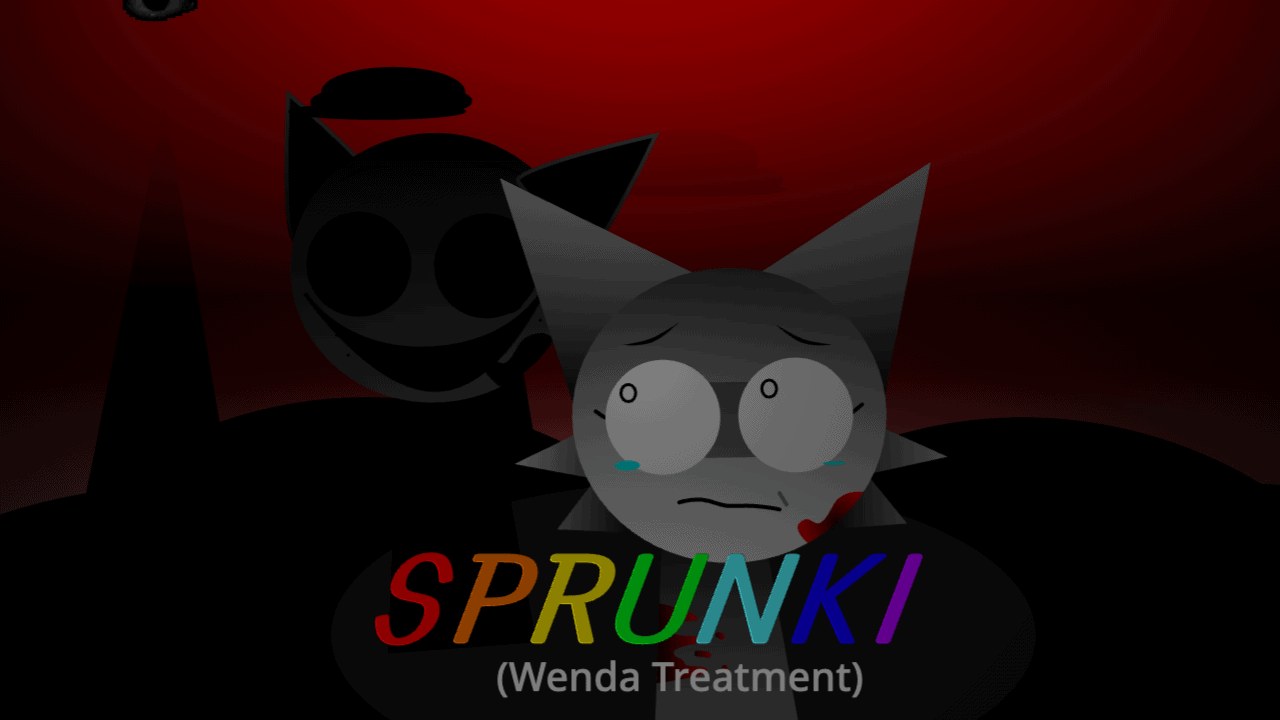
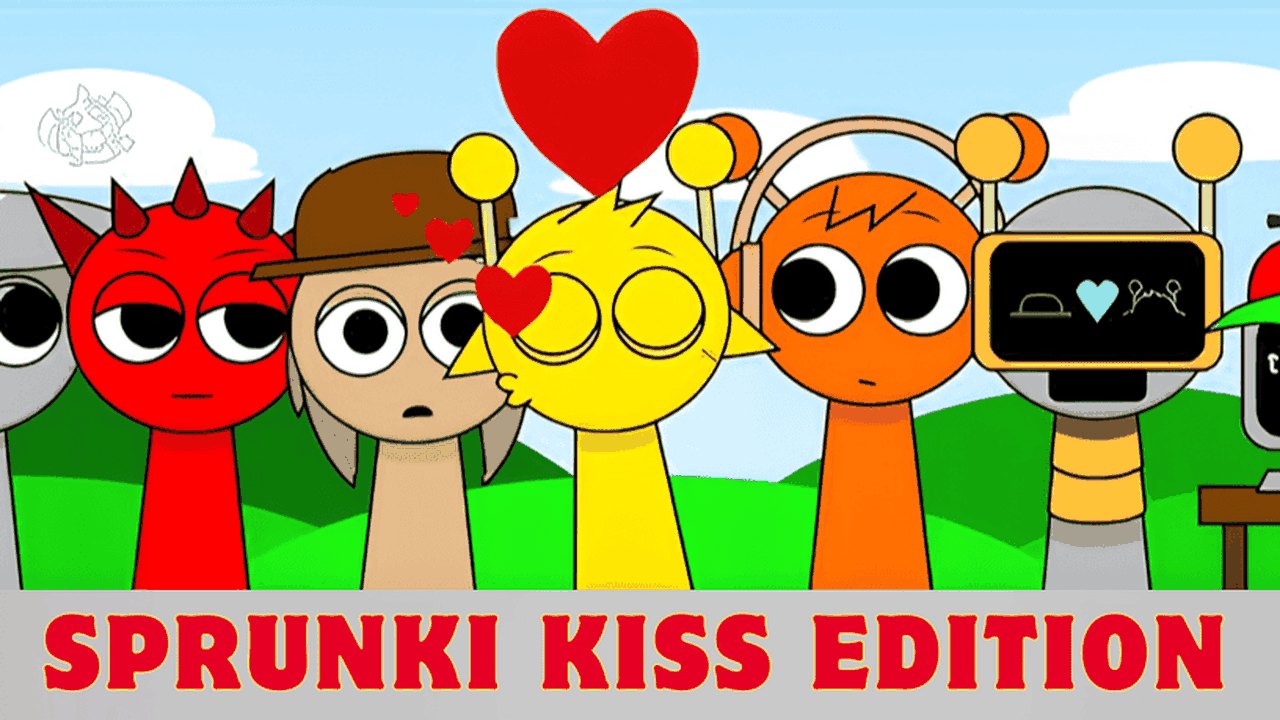
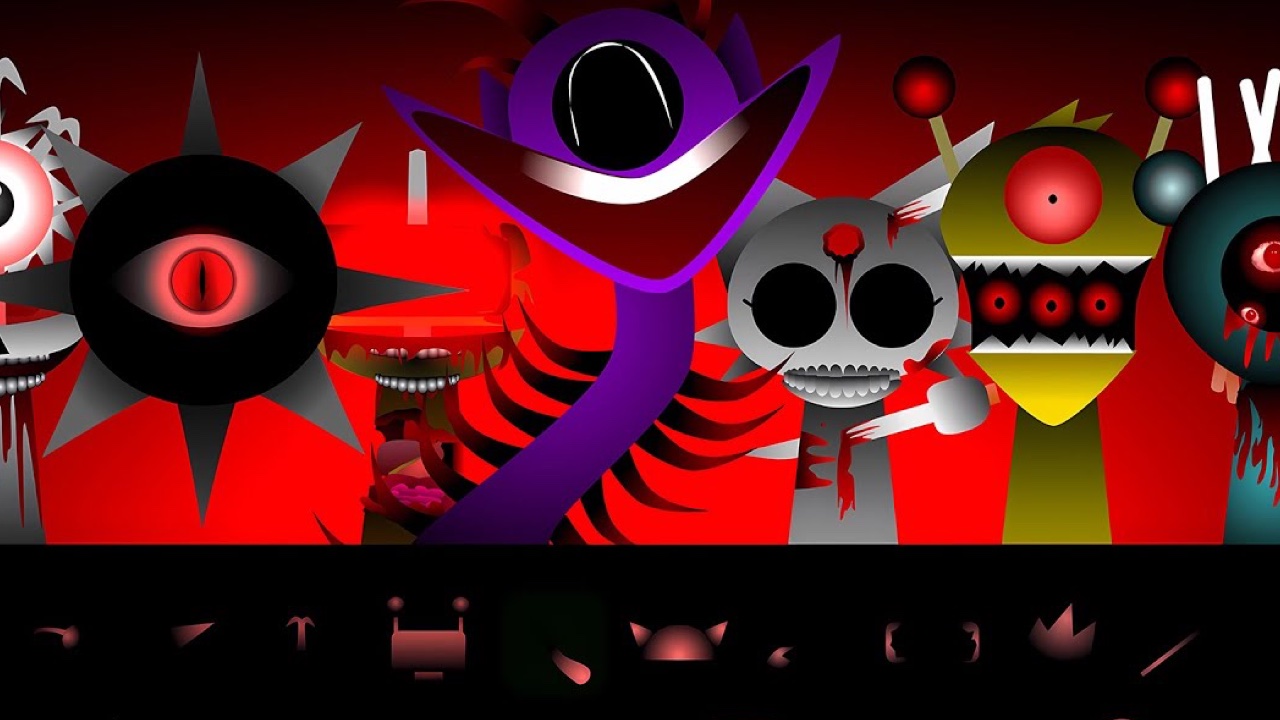
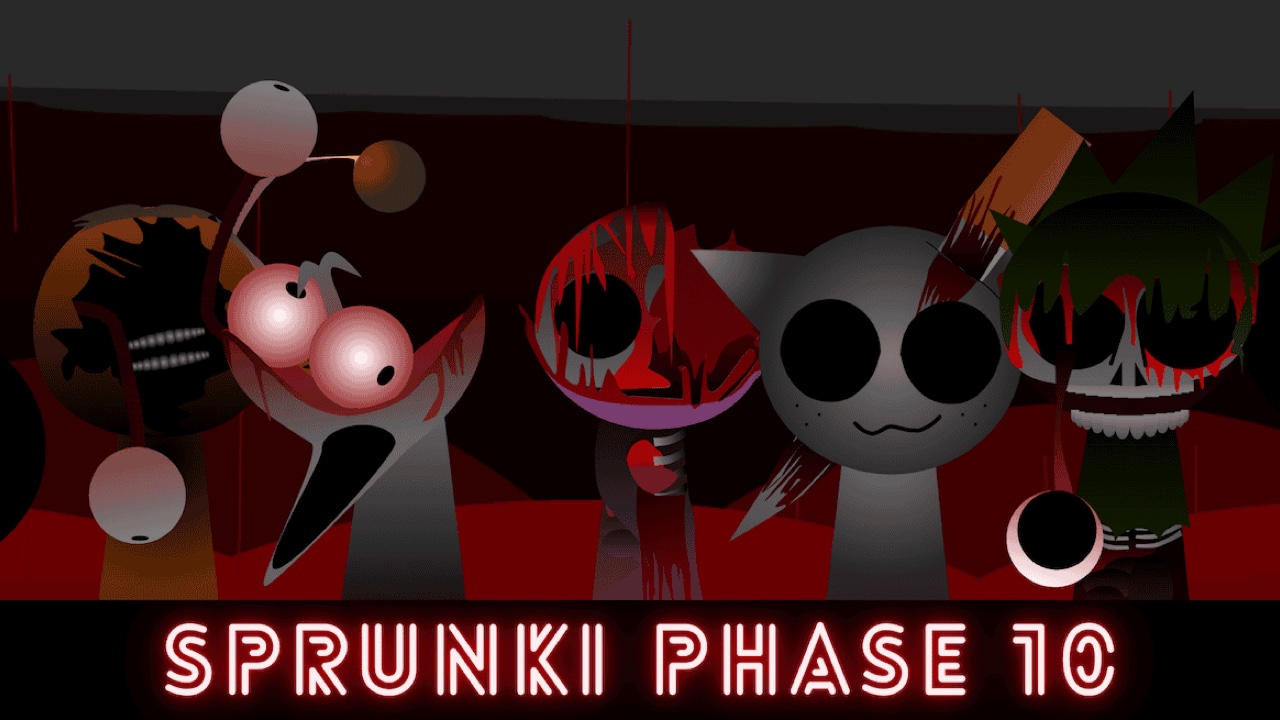
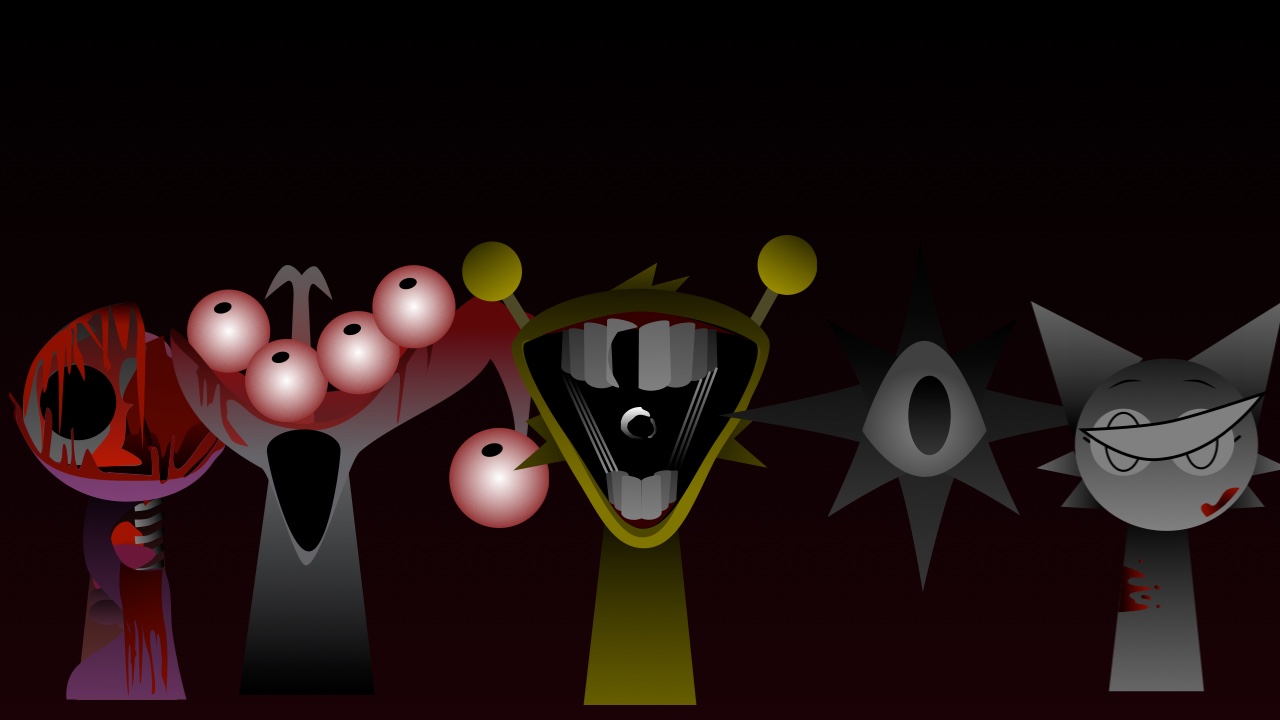
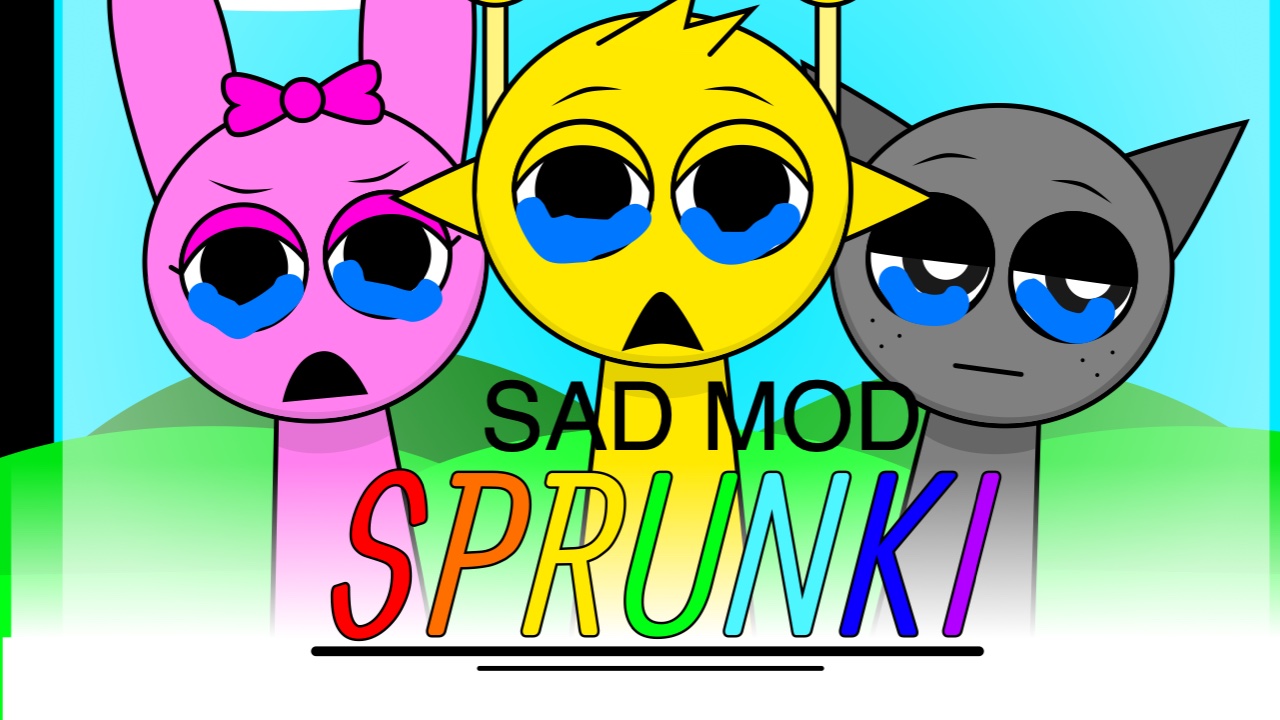
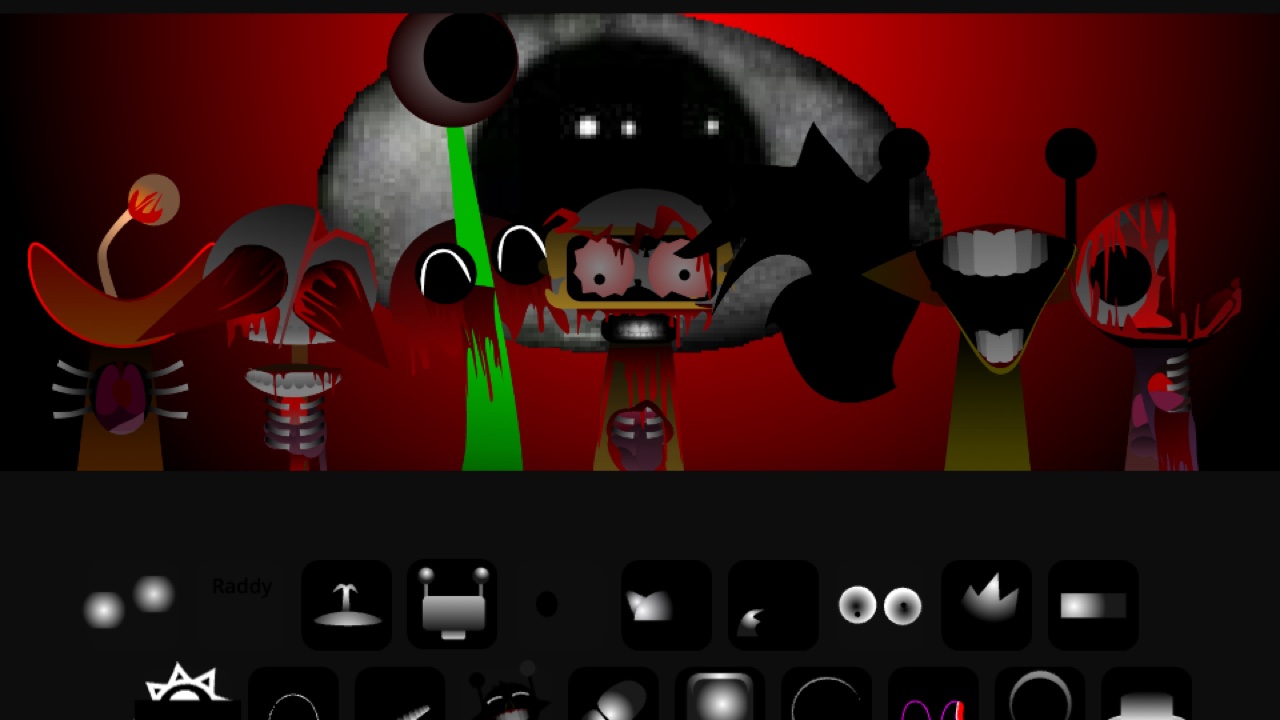
The format is borrowed openly from Incredibox, the beatbox app the French studio So Far So Good has been refining since 2009. Sprunki took that stage, threw out the cast, and replaced it with its own: squat, expressive, slightly strange little figures with big eyes and stranger voices. Then it hid something inside. Put a particular character on the stage and the bright set does not just change theme — it turns. Colours drain, faces distort, the loops sour into something uneasy. Clips of that moment spread across YouTube and TikTok through late 2024, and within months there were hundreds of Sprunki mods chasing the same feeling.
How Sprunki Plays
The controls take about five seconds to learn and there is no way to lose.
- Drag a character onto an empty slot to add its loop to the mix.
- Drag a character off the stage (or click it, depending on which build you are playing) to strip that layer back out.
- Watch the colours in the tray. Characters are grouped into families — beats, effects, melodies, voices — and the grouping is your best guide to what a character will contribute before you hear it.
- Chase the bonus combinations. Certain sets of characters unlock an animated sequence and an extra section of music. There is no list in the game; finding them is the closest thing Sprunki has to progression.
- Use a mouse. The stage was designed for pointer input, and drag gestures on touchscreens are inconsistent across builds.
What Makes The Original Worth Playing First
Later mods are bigger, louder and better drawn, but the original Sprunki is still the cleanest expression of the idea. Its sound pack is tight rather than sprawling: a small set of parts that were clearly designed to fit each other, so almost any combination lands on something usable. That restraint is exactly what makes it a good first stop. You can learn the whole vocabulary of the game in ten minutes here, then take that understanding into the phases and remakes, where the packs are wilder and the results are less predictable.
It is also the reference point for everything else on this site. When a mod is described as darker, denser or more polished, the original is what it is being compared to.
Tips For A Better Sprunki Track
- Build from the bottom up. Drums first, bass second. A mix with a solid foundation survives almost any melody you drop on top.
- Add one character at a time and actually listen. If you cannot hear what the new layer contributed, it is fighting with something already on stage.
- Leave a slot empty. Space is a sound. Five well-chosen characters beat eight crammed together nearly every time.
- Swap instead of stacking. When a section gets tired, pull one character out and drop in a different one rather than piling on more.
- Try characters from the same family together. Bonus sequences tend to be built out of related parts, so that is where to hunt for them.
Who Sprunki Is For
If you have ever wanted to make a beat and been put off by software that expects you to already understand it, this is the gentlest possible on-ramp. It is also, quietly, a good game for people who do make music — the constraint of one loop per character forces arrangement decisions rather than production ones. And if you are here because of a clip you saw, the horror reveal is real, it is in the original, and it is worth finding for yourself rather than being told exactly how.